
01
Folder structure
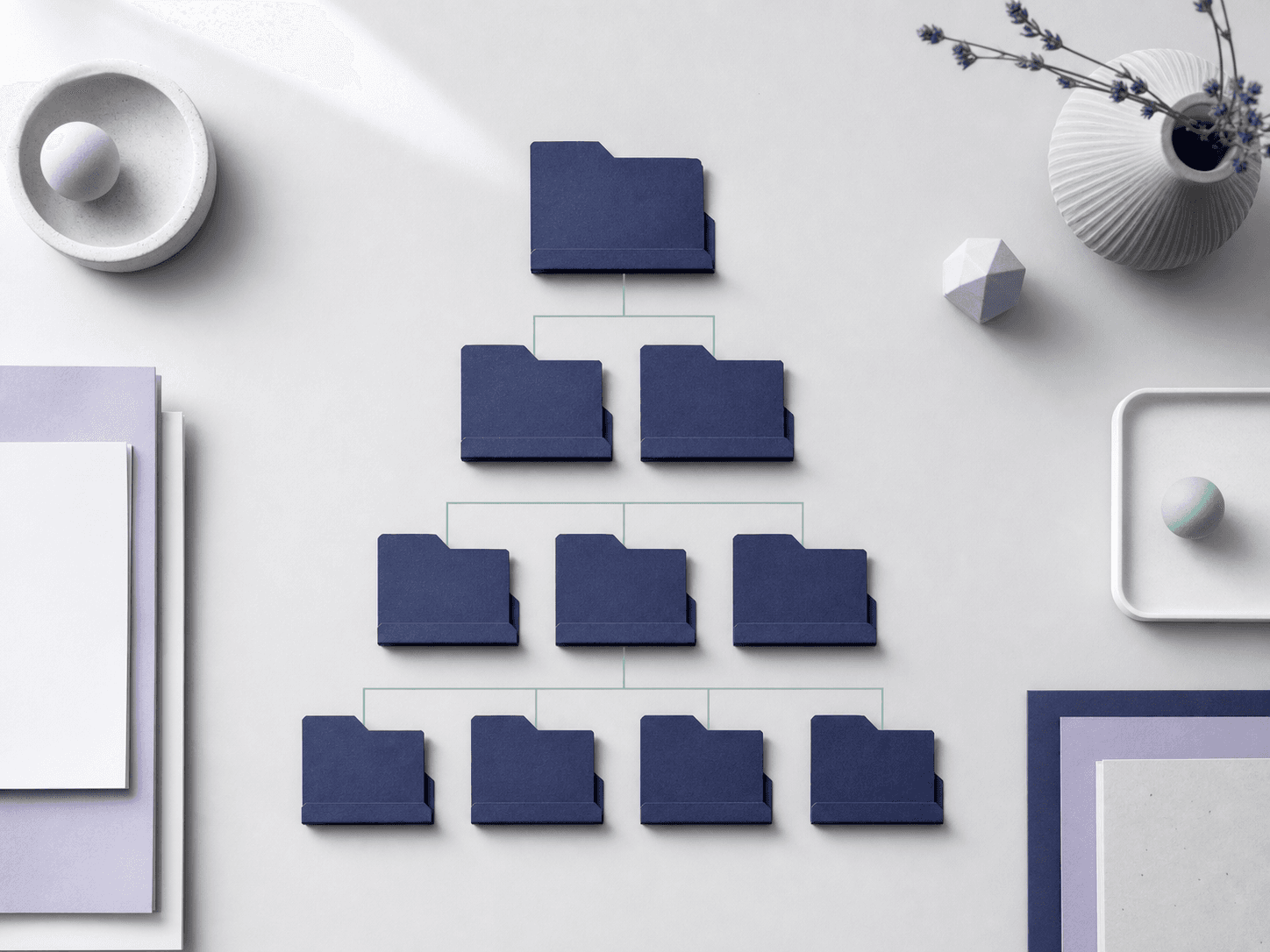
A complete tree, indented and named, deep enough to be useful and shallow enough that you will still use it in six months.

Digital declutter planner — no file access, ever
Neatfile reads your description — never your drive — and returns a folder structure, a naming convention, a keep-archive-bin checklist, archive rules and a weekly routine you can hold to. Start below; nothing is installed and nothing is uploaded.
AI disclaimerNeatfile output is AI-generated organisational guidance, not a professional data management, IT security, backup or data recovery service. Every plan is a suggestion for you to review. Neatfile never accesses, reads, uploads, moves or deletes your real files — you carry out any reorganisation yourself. Back up your data before you reorganise anything. Neatfile does not guarantee any specific amount of recovered storage space.Read the full AI disclaimer
An example of the shape a plan takes. Generate to replace it with your own.
Tidy includes 3 plans and 1 diagram each month. Allowances reset with each billing period and do not carry over. Neatfile does not sell credits or stored value.
These answers set the depth of the tree, the shape of the naming pattern and how long the weekly routine can realistically be.
Your structure, naming convention, keep-archive-bin checklist, archive rules, weekly routine and copy-ready templates appear here once you generate.
Choose the diagram that makes your plan easiest to follow, then generate it. Every diagram is illustrative — it draws your plan, it does not read your device.
Generate the folder plan first to unlock its diagram.
Change the naming style, the weekly minutes or the description above, then regenerate. Nothing is locked, and no version of the plan is applied to anything on your machine.
Studio subscribers can render a 10-second walkthrough of the routine in landscape and portrait, then export the whole package — brief, plan, diagram links, walkthrough links and licence — as one file.
Generate a folder plan first and the export unlocks.
AI disclaimerNeatfile output is AI-generated organisational guidance, not a professional data management, IT security, backup or data recovery service. Every plan is a suggestion for you to review. Neatfile never accesses, reads, uploads, moves or deletes your real files — you carry out any reorganisation yourself. Back up your data before you reorganise anything. Neatfile does not guarantee any specific amount of recovered storage space.Read the full AI disclaimer
What comes back
Not a cleanup tool and not another drive. Neatfile writes the standard you were going to have to invent yourself, in a form you can follow on a Sunday afternoon and keep to on a Tuesday morning.
Neatfile never accesses, reads, uploads, moves or deletes your real files. Every plan is organisational guidance for you to review, not a data-management or IT security service, and every plan carries that reminder.
A complete tree, indented and named, deep enough to be useful and shallow enough that you will still use it in six months.

One pattern, each segment explained, with worked examples you can copy straight into your own files.

A checklist that sorts what you described into three decisions, each with the reason written next to it.

A short repeating pass sized to the minutes you actually have, so the structure survives contact with a busy week.

The five-step link

Say what is a mess, on which devices, in your own words.
Structure, naming, checklist, archive rules and routine come back together.
Draw the plan as a tree, a naming card, a before-and-after or a decision flow.
Change the depth, the naming style or the weekly minutes and regenerate.
Take the walkthrough and the whole package away as one file.
The target state
The point is not a one-off tidy. It is that six weeks later the next file still has an obvious home, and you do not have to decide again.
Open the bench


The boundary
Neatfile does not connect to your device, cloud drive, photo library or mailbox. There is no permission to grant.
Nothing you own is uploaded. Only the words you type into the bench are sent for generation.
Neatfile cannot move, rename or delete anything. Every step of the plan is carried out by you.
Because you carry out the changes, back up before you reorganise. We cannot undo a change you make.
Neatfile output is AI-generated organisational guidance, not a professional data management, IT security, backup or data recovery service. Every plan is a suggestion for you to review. Neatfile never accesses, reads, uploads, moves or deletes your real files — you carry out any reorganisation yourself. Back up your data before you reorganise anything. Neatfile does not guarantee any specific amount of recovered storage space. Read the full AI disclaimer.
Plans
Tidy
3 plans and 1 diagram each month
Sort one corner of the mess and keep the plan.
Free
Focus
40 plans and 60 diagrams each month
For a freelancer keeping every client project in order.
$12 USD / month
Studio
Unlimited plans and diagrams, plus walkthrough videos
For a small team that needs one shared filing standard.
$59 USD / month
Questions
No. There is nothing to install, connect or authorise. Neatfile works only from the description you type into the bench, and it never accesses, reads, uploads, moves or deletes your real files. Every reorganisation is carried out by you, by hand.
A folder structure tree, a naming convention with worked examples, a keep-archive-bin checklist, archive rules, a weekly routine and copy-ready templates. Focus and Studio plans add unwatermarked diagram exports, and Studio adds a short walkthrough video and the full package export.
Yes, always. A Neatfile plan is a suggestion for you to review and apply yourself. Back up your data before you move or delete anything. Neatfile is not a backup, data recovery, antivirus or IT security service and cannot undo a change you make.
No. Neatfile plans how material is arranged and named, not how large it is. It does not promise any specific amount of recovered storage, and it will not tell you that a file is safe to delete without you checking it yourself.
Yes. The Studio plan includes a shared convention library so everyone works from the same structure and naming pattern. You can also request a starting convention for your team from the contact page.
Cancel any time from the billing portal linked on the pricing page, or email us. Your plan stays active until the end of the period you already paid for, and no further payment is taken.

Still unsure whether Neatfile fits how you work? Write to support@sortedysoft.shop and we will answer within one business day.